
Disclosure: The Circuit AI may earn a commission if you sign up for a tool through links on this site, at no extra cost to you. Read our affiliate disclosure.
Have you ever wondered how some companies create professional-looking videos without hiring actors, renting studios, or spending weeks in post-production? The answer might surprise you – they’re using AI-powered video generation tools like Synthesia AI. This groundbreaking platform is transforming how we think about video content creation, making it accessible to everyone from small business owners to Fortune 500 companies.
What is Synthesia AI?
Synthesia AI is a cutting-edge artificial intelligence platform that generates realistic videos featuring human-like avatars. Think of it as having a digital film crew at your fingertips – you simply type your script, choose an avatar, and watch as the AI creates a professional video in minutes rather than days.
Founded in 2017, Synthesia has quickly become a leader in the AI video generation space. The platform uses advanced deep learning algorithms to create synthetic media that’s so realistic, you might not even realize you’re watching an AI-generated video.

The Technology Behind Synthesia.
At its core, Synthesia leverages sophisticated neural networks trained on massive datasets of human speech and movement patterns. The technology combines natural language processing, computer vision, and generative AI to create seamless video content.
The platform’s AI models understand not just what words to say, but how to say them naturally, including appropriate facial expressions, lip synchronization, and body language that matches the content being delivered.
How Synthesia Differs from Traditional Video Production.
Traditional video production involves multiple steps: scriptwriting, casting, filming, editing, and post-production. Each step requires time, money, and coordination. Synthesia eliminates most of these hurdles by automating the entire process through AI.
Instead of booking a studio and hiring talent, you’re working with a web-based interface that requires nothing more than a script and a few clicks to produce professional-quality content.
Key Features and Capabilities:
AI Avatar Technology.
The heart of Synthesia lies in its diverse library of AI avatars. These aren’t cartoon characters or obvious robots – they’re photorealistic digital humans that can speak your content with natural expressions and gestures.
The platform offers over 140 different avatars representing various ethnicities, ages, and professional styles. Whether you need a corporate spokesperson, a friendly teacher, or a casual presenter, there’s likely an avatar that fits your needs.
Multi-Language Support.
One of Synthesia’s most impressive features is its support for over 120 languages. This isn’t just text translation – the AI avatars can actually speak in these languages with appropriate accents and pronunciations.
This global reach makes Synthesia invaluable for multinational companies looking to create localized content without hiring native speakers or managing multiple production teams across different countries.
Customization Options:
Voice and Appearance Customization.
While you start with preset avatars, Synthesia offers various customization options. You can adjust speaking pace, add pauses for emphasis, and even create custom avatars that match your specific brand requirements (available in higher-tier plans).
Brand Integration Features.
The platform allows you to incorporate your brand elements seamlessly. Add logos, use custom color schemes, include background images, and maintain consistent visual identity across all your AI-generated videos.
How Synthesia AI Works?
The Video Creation Process.
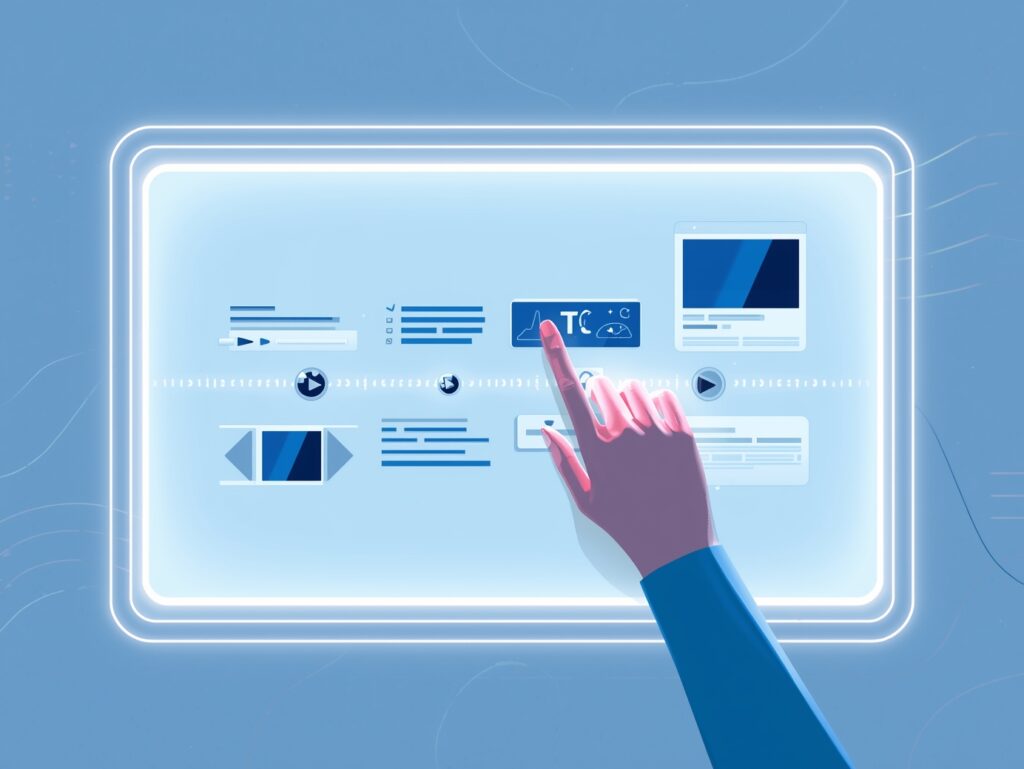
Creating a video with Synthesia is remarkably straightforward. You start by writing or pasting your script into the platform’s text editor. The AI analyzes your content and prepares it for speech synthesis.
Next, you select an avatar from the extensive library. Consider your audience and the tone you want to convey – a corporate training video might call for a professional-looking presenter, while a social media post could benefit from a more casual, approachable avatar.
Lorem ipsum dolor sit amet, consectetur adipiscing elit. Ut elit tellus, luctus nec ullamcorper mattis, pulvinar dapibus leo.
Text-to-Video Technology:
Script Input Methods.
Synthesia accepts scripts in multiple formats. You can type directly into the platform, paste text from documents, or even upload files. The AI is intelligent enough to interpret formatting cues like paragraph breaks and punctuation to create natural pauses and emphasis.
Avatar Selection and Customization.
Once your script is ready, avatar selection becomes crucial. The platform provides preview options so you can see how different avatars would deliver your content. You can also adjust settings like speaking speed and tone to match your specific requirements.
Benefits of Using Synthesia AI:
Cost-Effectiveness.
Traditional video production can cost thousands of dollars per minute of finished content. Synthesia dramatically reduces these costs by eliminating the need for actors, equipment rental, studio time, and extensive post-production work.
For businesses creating regular video content, the cost savings can be substantial. Instead of budgeting for individual video projects, you’re investing in a platform that can generate unlimited content.
Time Efficiency.
What used to take weeks can now be accomplished in hours. There’s no need to coordinate schedules with talent, wait for equipment availability, or spend days in editing suites. You can create, review, and publish video content on the same day you write the script.
This speed advantage is particularly valuable for time-sensitive content like product launches, urgent training materials, or trending topic responses.
Scalability and Global Reach
Imagine needing to create the same training video in 20 different languages. Traditional production would require hiring native speakers for each language, managing multiple production schedules, and ensuring consistency across all versions.
Synthesia handles this scenario effortlessly. You create one script, and the AI can generate versions in any of its supported languages, maintaining the same avatar, timing, and visual elements while adapting the speech naturally.
Use Cases and Applications:
Corporate Training and Education.
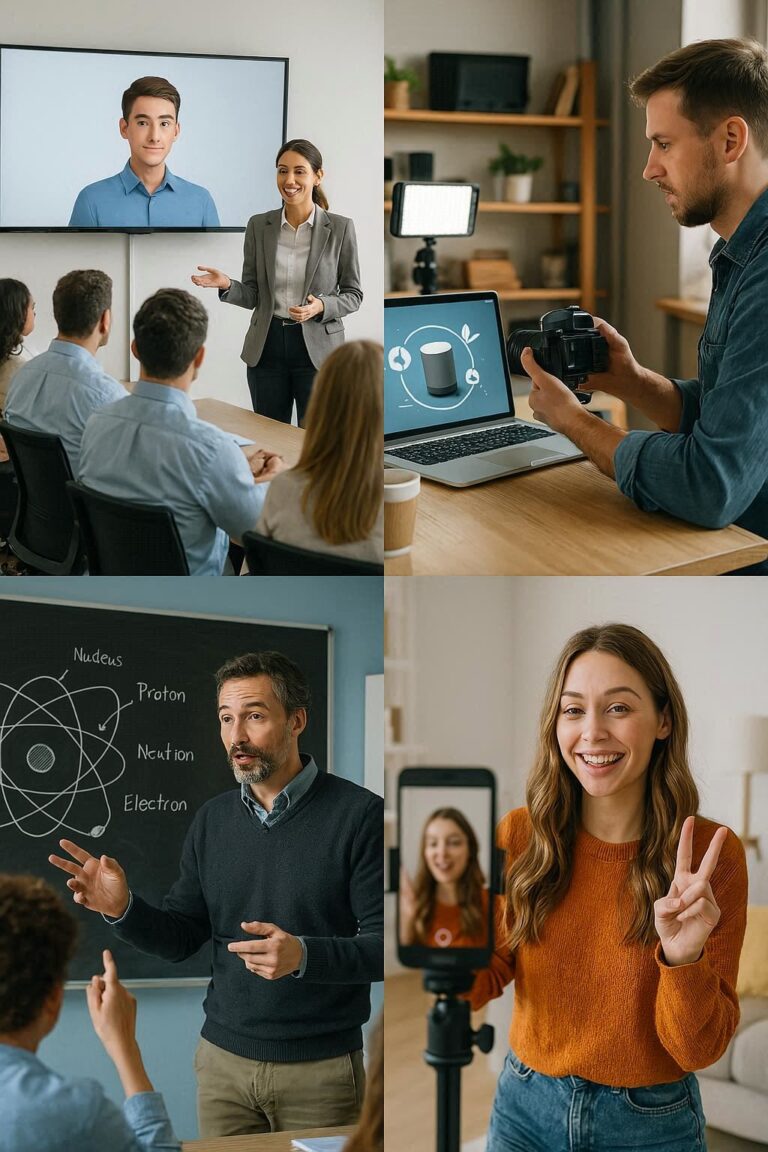
Many organizations use Synthesia for employee training, onboarding programs, and educational content. The consistency of AI avatars ensures that every employee receives the same quality of instruction, regardless of when or where they access the material.
HR departments particularly appreciate the ability to quickly update training content as policies change, without needing to reshoot entire video libraries.
Marketing and Sales Content.
Sales teams use Synthesia to create personalized video messages, product demonstrations, and marketing materials. The ability to quickly generate content means sales representatives can respond to prospects with customized video presentations tailored to specific needs.
Internal Communications.
CEO messages, company announcements, and internal updates become more engaging when delivered through video rather than email. Synthesia makes it practical for executives to create regular video communications without the overhead of traditional video production.

Product Demonstrations.
Software companies and tech startups often use Synthesia to create product demos and tutorial videos. As features change or new functionality is added, updating the video content becomes a simple matter of editing the script and regenerating the video.
Customer Support and Onboarding.
Customer success teams leverage Synthesia to create onboarding sequences, FAQ videos, and support content. The consistency of AI avatars provides a professional, cohesive experience across all customer touchpoints.
Pricing and Plans:
Free Trial Options.
Synthesia offers a free trial that allows potential users to experience the platform’s capabilities firsthand. This trial typically includes a limited number of video credits and access to basic features, giving you enough functionality to evaluate whether the platform meets your needs.
Subscription Tiers:
Personal Plans.
For individual users and small businesses, Synthesia offers personal plans starting at reasonable monthly rates. These plans include access to the avatar library, basic customization options, and enough video credits for regular content creation
Business and Enterprise Solutions.
Larger organizations can access enterprise plans that include additional features like custom avatars, priority support, advanced analytics, and higher video generation limits. These plans often include collaborative features that allow teams to work together on video projects.
Limitations and Considerations:

Current Technology Constraints.
While Synthesia’s technology is impressive, it’s important to understand its current limitations. The AI avatars, while realistic, may not perfectly replicate the nuanced expressions and gestures of human actors in all situations.
Complex emotional content or highly specialized technical presentations might still benefit from human presenters who can adapt their delivery based on audience feedback and nonverbal cues.
Ethical Considerations.
The rise of AI-generated video content raises important questions about authenticity and disclosure. Best practices suggest being transparent with your audience about the use of AI-generated content, especially in contexts where the distinction matters.
Organizations should also consider their policies around AI-generated content and ensure compliance with any relevant regulations or industry standards.
Competitors and Alternatives:
Market Comparison.
The AI video generation space includes several players, each with unique strengths. Some focus on animated characters, while others specialize in specific use cases like news broadcasts or educational content.
Unique Selling Points.
Synthesia’s competitive advantages include its extensive avatar library, multi-language support, and user-friendly interface. The platform’s focus on photorealistic human avatars sets it apart from competitors that rely more heavily on animated or cartoon-style characters.
Getting Started with Synthesia AI:
Account Setup Process.
Getting started with Synthesia is straightforward. After signing up for an account, you’ll go through a brief onboarding process that introduces you to the platform’s main features and interface.
The learning curve is minimal – most users can create their first video within minutes of accessing the platform.
Creating Your First Video.
Start with a simple project to familiarize yourself with the workflow. Choose a short script, select an avatar that matches your content’s tone, and experiment with different settings to see how they affect the final output.
Don’t worry about perfection on your first attempt – the beauty of Synthesia is that iterations are quick and inexpensive, allowing you to refine your approach through experimentation.
Future of AI Video Generation.
The field of AI video generation is evolving rapidly. We can expect to see improvements in avatar realism, more sophisticated emotional expression, and expanded customization options.
Future developments might include real-time video generation, advanced interactive capabilities, and even more seamless integration with existing content management and marketing automation systems.
As the technology continues to mature, we’re likely to see AI video generation become as commonplace as word processing or email, fundamentally changing how organizations communicate both internally and externally.
Conclusion.
Synthesia AI represents a fundamental shift in how we approach video content creation. By removing the traditional barriers of time, cost, and complexity, it democratizes access to professional-quality video production.
Whether you’re a small business owner looking to create marketing content, an HR manager developing training materials, or part of a global organization needing multilingual communications, Synthesia offers a compelling solution that can transform your content strategy.
The key to success with any AI tool is understanding both its capabilities and limitations. Synthesia excels at creating consistent, professional video content quickly and cost-effectively. While it may not replace human creativity and nuanced performance in all contexts, it opens up new possibilities for organizations to communicate more effectively through video.
As you consider incorporating AI video generation into your workflow, start small, experiment with different approaches, and gradually expand your usage as you become more comfortable with the technology. The future of content creation is here, and platforms like Synthesia are leading the way.
Frequently Asked Questions.
Q1: How realistic are Synthesia’s AI avatars?
Synthesia’s avatars are highly photorealistic and can be difficult to distinguish from real humans in many contexts. However, they work best for straightforward presentations rather than highly emotional or nuanced content where subtle human expressions might be crucial.
Q2: Can I create custom avatars that look like specific people?
Synthesia offers custom avatar creation in their higher-tier plans, but this typically involves creating new digital personas rather than replicating existing individuals. The platform has ethical guidelines around consent and appropriate use of likeness.
Q3: What file formats does Synthesia support for output?
Synthesia typically exports videos in standard formats like MP4, making them compatible with most video hosting platforms, social media sites, and content management systems. The platform is designed to integrate smoothly with existing workflows.
Q4: How long does it take to generate a video?
Video generation time depends on the length and complexity of your content, but most videos are ready within minutes rather than hours. Simple presentations under 5 minutes typically process very quickly.
Q5: Is there a limit to how long my videos can be?
Video length limits vary by subscription plan, but Synthesia can handle substantial content lengths. For very long presentations, you might consider breaking content into segments for better engagement and easier management.