
Have you ever wondered can ChatGPT help you turn those lengthy audio recordings into readable text? You’re not alone in this quest! With the rise of AI technology, many people are looking for efficient ways to transcribe audio content, and ChatGPT often comes to mind as a potential solution.
The short answer is: ChatGPT itself cannot directly transcribe audio files in the traditional sense. However, there are clever workarounds and complementary tools that can help you achieve your transcription goals. Let’s dive deep into this topic and explore everything you need to know about using AI for audio transcription.
Understanding ChatGPT’s Audio Capabilities
What is Audio Transcription?
Audio transcription is the process of converting spoken words from audio recordings into written text. It’s like having a super-fast typist who can listen to your recordings and write down everything that’s being said. This technology has revolutionized how we handle meetings, interviews, lectures, and podcasts.
Think of transcription as building a bridge between the spoken and written word. Just as a translator helps people understand different languages, transcription software helps us transform audio content into a format we can easily read, edit, and share
Current State of ChatGPT’s Audio Features
As of 2025, ChatGPT has made significant strides in handling various types of content, but direct audio file processing remains limited. The platform excels at text-based conversations and can help you edit, summarize, and analyze transcribed content once it’s in text format.
However, ChatGPT’s strength lies in its ability to work with the results of transcription rather than performing the actual audio-to-text conversion. It’s like having a brilliant editor who can polish your manuscript but can’t operate the recording equipment.
Can ChatGPT Actually Transcribe Audio Files?
Direct Audio Upload Limitations
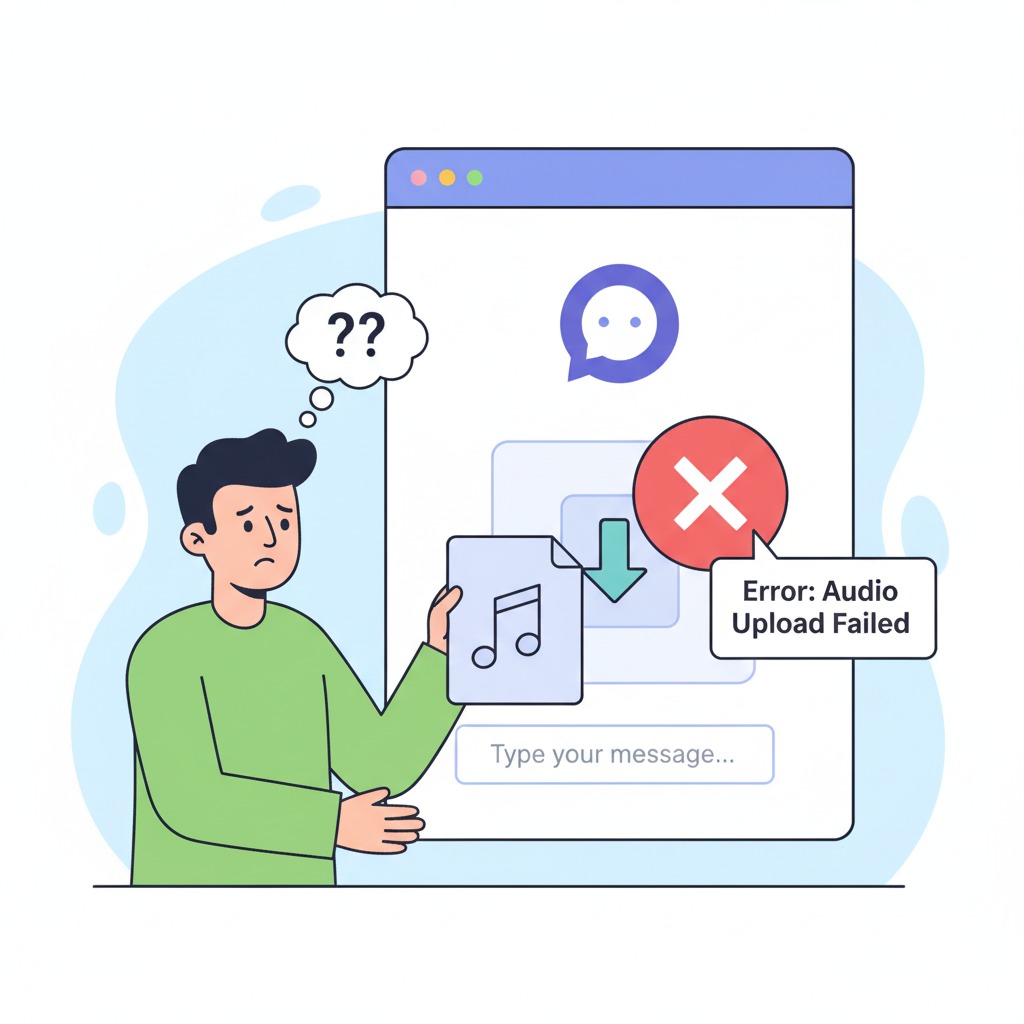
Here’s where things get a bit tricky. ChatGPT doesn’t currently support direct audio file uploads for transcription purposes. You can’t simply drag and drop an MP3 file and expect it to magically transform into text. It’s similar to trying to feed a paper document to a computer without a scanner – the technology needs the right input format to work effectively.
This limitation stems from the way ChatGPT is designed. While it’s incredibly powerful at processing and generating text, audio processing requires different specialized algorithms and computational approaches.
Alternative Methods for Audio Transcription
Don’t worry – there are several effective workarounds! The most practical approach involves using dedicated transcription tools first, then leveraging ChatGPT’s exceptional text processing capabilities to refine and enhance the results.
You can use tools like OpenAI’s Whisper, Google’s Speech-to-Text, or other transcription services to convert your audio to text, then paste that text into ChatGPT for editing, summarization, or analysis. It’s like using a specialized tool to extract juice from an orange, then using a master chef to create something amazing with that juice.
How to Use ChatGPT for Audio Transcription Tasks
Step-by-Step Process Using Third-Party Tools
Ready to get your audio transcribed? Here’s your roadmap to success:
First, choose a reliable transcription service. OpenAI’s Whisper is an excellent free option that offers impressive accuracy. Upload your audio file to the transcription service and wait for the initial text output.
Next, copy the transcribed text and paste it into ChatGPT. Now here’s where the magic happens! You can ask ChatGPT to clean up the transcription, fix grammar errors, add proper punctuation, and even format it according to your specific needs.

Best Practices for Accurate Results
Getting high-quality transcriptions isn’t just about using the right tools – it’s about setting yourself up for success from the start. Think of it like cooking: having fresh ingredients makes all the difference in your final dish.
Preparing Your Audio Files
Before you even think about transcription, make sure your audio quality is as good as possible. Clear audio with minimal background noise will give you significantly better results. If you’re working with older recordings, consider using audio editing software to reduce noise and enhance clarity.
Position your microphones properly during recording, and if possible, use separate microphones for different speakers. This small investment in preparation can save you hours of editing time later.
Choosing the Right Transcription Method
Not all transcription tools are created equal. Some excel at handling multiple speakers, while others perform better with technical terminology or specific accents. Research your options and choose the tool that best matches your specific audio content.
Consider factors like file length, number of speakers, audio quality, and subject matter when making your decision. It’s like choosing the right tool for a job – a hammer works great for nails, but you wouldn’t use it to cut wood.
ChatGPT vs Traditional Transcription Services
Accuracy Comparison
When comparing ChatGPT-assisted workflows with traditional transcription services, the results might surprise you. While ChatGPT can’t directly transcribe audio, its ability to polish and enhance already-transcribed text often produces superior final results compared to raw automated transcriptions.
Traditional services might give you 85-90% accuracy on the initial transcription, but when you combine a good transcription tool with ChatGPT’s editing capabilities, you can often achieve 95%+ accuracy in your final document.

Cost-Effectiveness Analysis
Let’s talk money – because who doesn’t love saving a few bucks? Using free transcription tools combined with ChatGPT can be incredibly cost-effective, especially for regular users.
Free vs Paid Solutions
Free solutions like Whisper combined with ChatGPT can handle most basic transcription needs without any cost. However, for professional applications requiring guaranteed turnaround times and human verification, paid services might still be worth the investment.
Consider your volume, accuracy requirements, and time constraints when deciding between free and paid options. Sometimes spending a little money upfront can save you significant time and frustration down the road.
Alternative AI Tools for Audio Transcription
OpenAI Whisper Integration
OpenAI’s Whisper deserves special mention as it’s developed by the same company behind ChatGPT. This powerful tool can handle multiple languages and accents with impressive accuracy. The best part? It’s free to use and can be run locally on your computer for privacy-sensitive content.
Whisper works exceptionally well as a first step in your transcription workflow, providing high-quality raw transcripts that ChatGPT can then refine and perfect.
Other Popular Transcription Services
The transcription landscape is rich with options, each offering unique strengths and features.
Google Speech-to-Text
Google’s offering provides excellent accuracy and supports real-time transcription. It’s particularly strong with general conversation and offers good integration options if you’re already using Google’s ecosystem.
Amazon Transcribe
Amazon’s solution excels in business environments and offers features like speaker identification and custom vocabulary. It’s particularly useful for transcribing professional meetings and conferences.
Business Meeting Transcriptions
Business Meeting Transcriptions
Imagine never having to frantically scribble notes during important meetings again. By using transcription tools followed by ChatGPT enhancement, you can create detailed meeting minutes that capture not just what was said, but also action items, decisions, and follow-up tasks.
ChatGPT can help you transform raw meeting transcripts into organized, professional documents that actually get read and used by your team members.
Academic Research and Interviews
Researchers and students can benefit enormously from this workflow. Transcribing interviews, focus groups, and lectures becomes much more manageable when you have AI assistance to help organize and analyze the content.
ChatGPT can help identify themes, create summaries, and even suggest areas for further investigation based on your transcribed content.
Content Creation and Podcasting
Content creators are discovering the power of repurposing audio content. A single podcast episode can become blog posts, social media content, and newsletter material when properly transcribed and processed through ChatGPT.
This approach helps maximize the value of your audio content and reaches audiences who prefer written material over audio consumption.
Want to turn your transcripts into engaging voiceovers? Try Vocal Vibes AI for natural-sounding voices.
Tips for Maximizing Transcription Quality
Audio Quality Requirements
Good transcription starts with good audio. Ensure your recordings are clear, with minimal background noise and echo. If you’re dealing with multiple speakers, try to have them speak one at a time when possible.
Think of audio quality as the foundation of a house – if it’s shaky, everything built on top will be unstable too.
Speaker Identification Techniques
When working with multi-speaker audio, proper identification becomes crucial. Some transcription tools can automatically detect different speakers, but you might need to manually label them in the final ChatGPT editing phase.
Create a consistent naming convention and use ChatGPT to help maintain speaker identification throughout longer transcripts.
Future of AI Audio Transcription
Emerging Technologies
The field of AI transcription is evolving rapidly. We’re seeing improvements in accent recognition, technical vocabulary handling, and real-time processing capabilities. The integration between different AI tools is also becoming more seamless
What to Expect from ChatGPT Updates
While we can’t predict exactly what OpenAI has planned, the trend suggests we might see more direct audio handling capabilities in future ChatGPT versions. The company continues to expand the platform’s multimedia capabilities, so direct audio transcription might become a reality sooner than we think.
Conclusion
While ChatGPT cannot directly transcribe audio files, it serves as an incredibly powerful partner in the transcription process. By combining dedicated transcription tools with ChatGPT’s text processing capabilities, you can achieve professional-quality results that often surpass what either tool could accomplish alone.
The key is understanding each tool’s strengths and building a workflow that leverages them effectively. Whether you’re a business professional looking to streamline meeting documentation, a researcher analyzing interview data, or a content creator repurposing audio material, this combined approach offers flexibility, accuracy, and cost-effectiveness.
Remember, technology is meant to serve you, not the other way around. Experiment with different combinations of tools and find the workflow that best fits your specific needs and constraints.
If you’re exploring more AI tools beyond transcription, check out Creative Lab AI — a bundle of powerful AI models for creators.”
Frequently Asked Questions
Q1: Can I upload audio files directly to ChatGPT for transcription?
No, ChatGPT currently doesn’t support direct audio file uploads for transcription. You’ll need to use a separate transcription service first, then use ChatGPT to enhance and edit the resulting text.
Q2: What’s the best free tool to use with ChatGPT for audio transcription?
OpenAI’s Whisper is highly recommended as it’s free, accurate, and works well as a first step before using ChatGPT for text enhancement. It’s developed by the same company as ChatGPT, ensuring good compatibility.
Q3: How accurate can I expect my transcriptions to be using this method?
With good audio quality, you can typically achieve 95%+ accuracy by combining a quality transcription tool like Whisper with ChatGPT’s editing capabilities. The final accuracy largely depends on your initial audio quality.
Q4: Is this method suitable for transcribing multiple speakers?
Yes, but it requires some additional work. Use transcription tools that support speaker identification, then have ChatGPT help you organize and clean up the speaker labels throughout the document.
Q5: Can ChatGPT help me analyze transcribed content beyond just cleaning it up?
: Absolutely! ChatGPT excels at analyzing transcribed content. It can summarize key points, identify themes, extract action items, create different formatted versions, and even suggest follow-up questions or areas for further exploration.