
Disclosure: TheCircuitAI may earn a commission if you sign up for a tool through links on this site, at no extra cost to you. Pricing in this guide comes from Descript’s official pricing page, checked on October 9, 2026.
Traditional video editors make you scrub through a timeline to find every “um”, pause and mistake. Descript takes a different approach: it transcribes your recording and lets you edit the video by editing the text, much like a document. This guide explains how it works, what each plan costs, and whether it suits your content.
What is Descript?
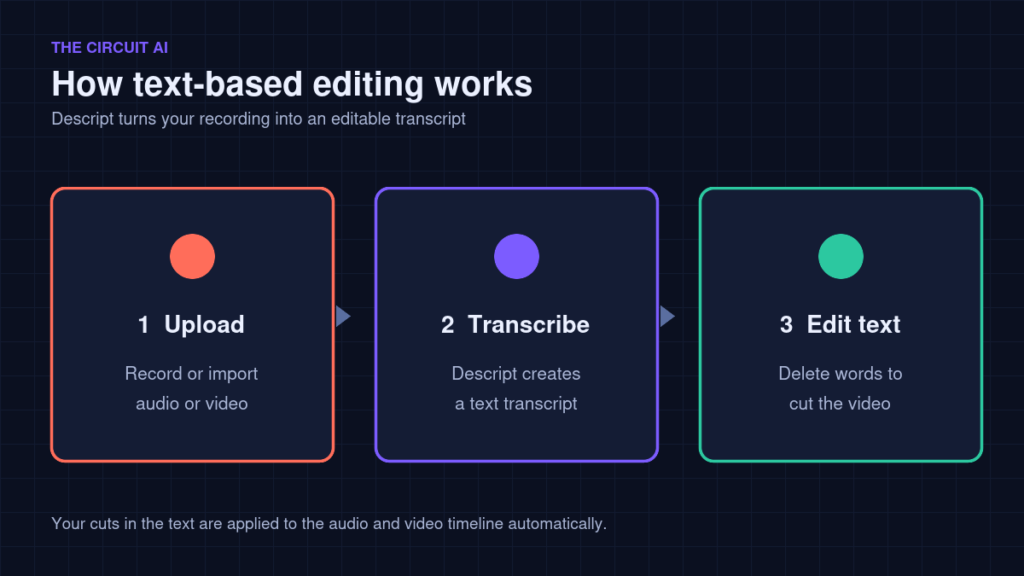
Descript is an AI-powered audio and video editor built around a transcript. You upload or record media, Descript turns it into text, and when you delete a sentence from the transcript, that part of the video and audio is cut too. It is popular with podcasters, YouTubers, course creators and teams making talking-head or interview content.
Descript pricing in 2026
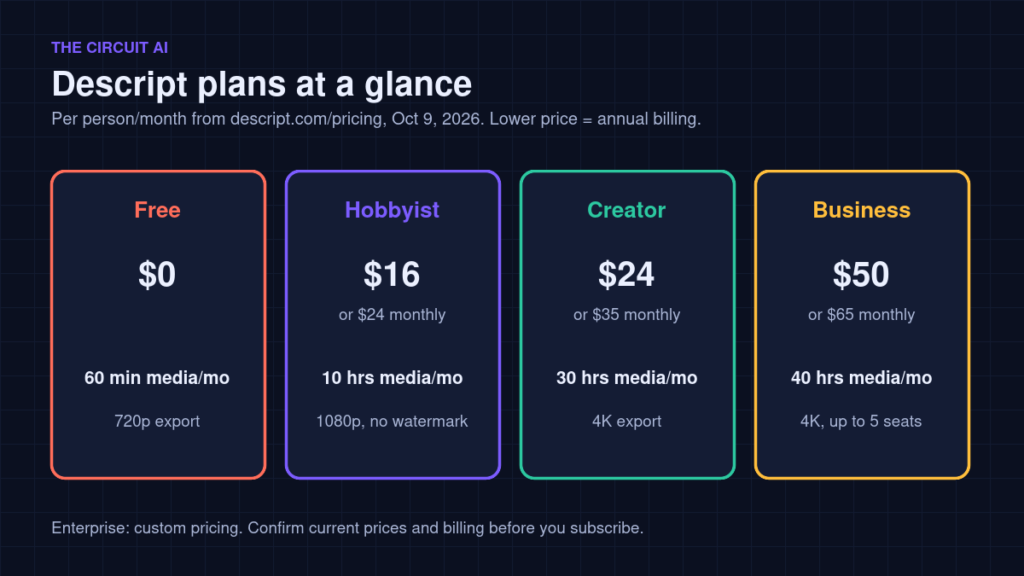
Prices are per person per month. Descript’s pricing page shows two prices for each paid plan: the lower one is the annual-billing rate (the page advertises savings of up to 35% on annual plans) and the higher one is month-to-month.
| Plan | Price (annual / monthly) | Media per month | AI credits | Export |
|---|---|---|---|---|
| Free | $0 | 60 minutes | 100 (one-time) | 720p |
| Hobbyist | $16 / $24 | 10 hours | 400/month | 1080p, no watermark |
| Creator | $24 / $35 | 30 hours | 800/month | 4K, no watermark |
| Business | $50 / $65 | 40 hours | 1,500/month | 4K, no watermark |
| Enterprise | Custom | Custom | Custom | Custom |
Storage also scales by plan: 5GB on Free, 100GB on Hobbyist, 1TB on Creator and 2TB on Business. Always confirm current pricing on descript.com/pricing before subscribing.
Understanding media hours
Descript limits plans by media hours: the amount of audio and video you upload or record each month. According to the pricing page, this counts all uploaded and recorded media whether or not it is transcribed. If you record long sessions and only keep a short final cut, you still use hours for the full raw footage.
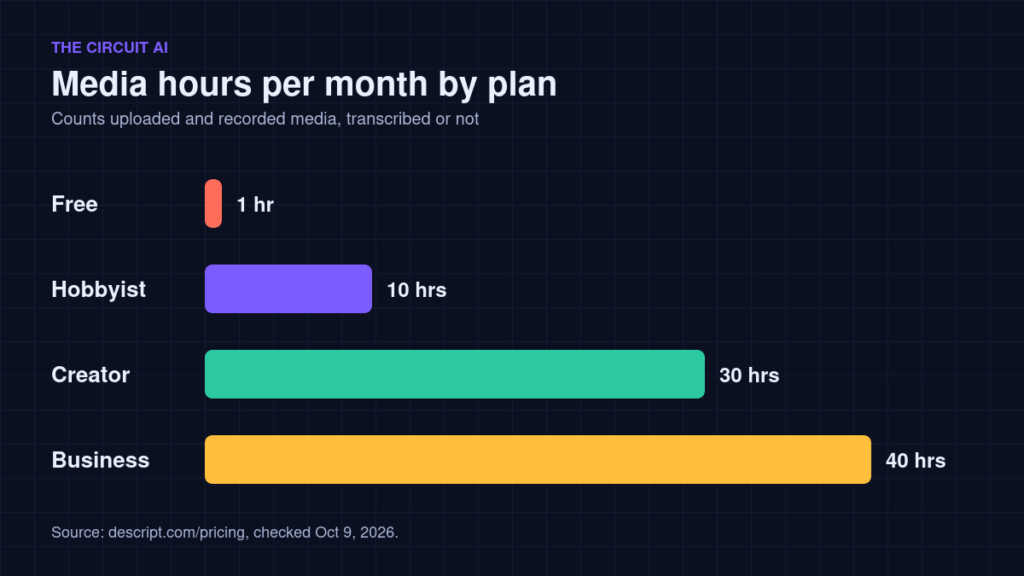
Tip: add up the raw recording time you upload in a typical month, not the length of your finished videos, and choose a plan with some headroom.
Key AI tools
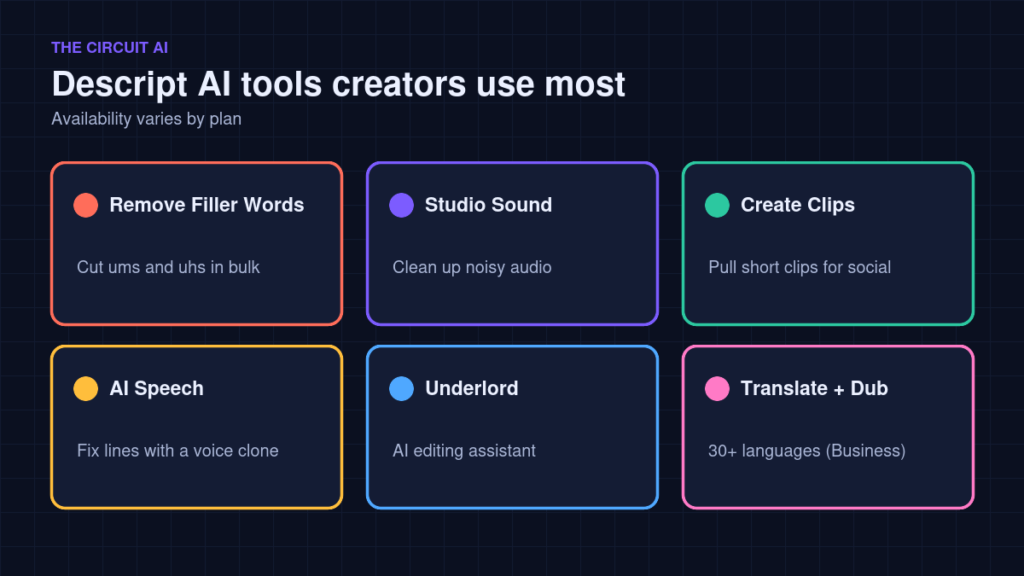
- Remove Filler Words: find and cut “um”, “uh” and similar words in bulk (from Hobbyist).
- Studio Sound: clean up background noise and room echo (from Hobbyist).
- Create Clips: pull short highlights for Shorts, Reels and TikTok (from Hobbyist).
- AI Speech: fix or regenerate a line using a custom voice clone, without re-recording (from Hobbyist).
- Underlord: Descript’s AI editing assistant; limited on Hobbyist, full on Creator and above.
- Translate and dub: 30+ languages with proofreading, listed on the Business plan.
A simple Descript workflow for YouTube
- Record or upload your video or podcast episode.
- Let it transcribe, then skim the text for sections to cut.
- Delete text to remove mistakes, tangents and long pauses.
- Run Remove Filler Words and review the suggestions before applying.
- Apply Studio Sound if the audio is noisy.
- Create clips for social media, then export the full video in the resolution your plan allows.
Is Descript right for you?
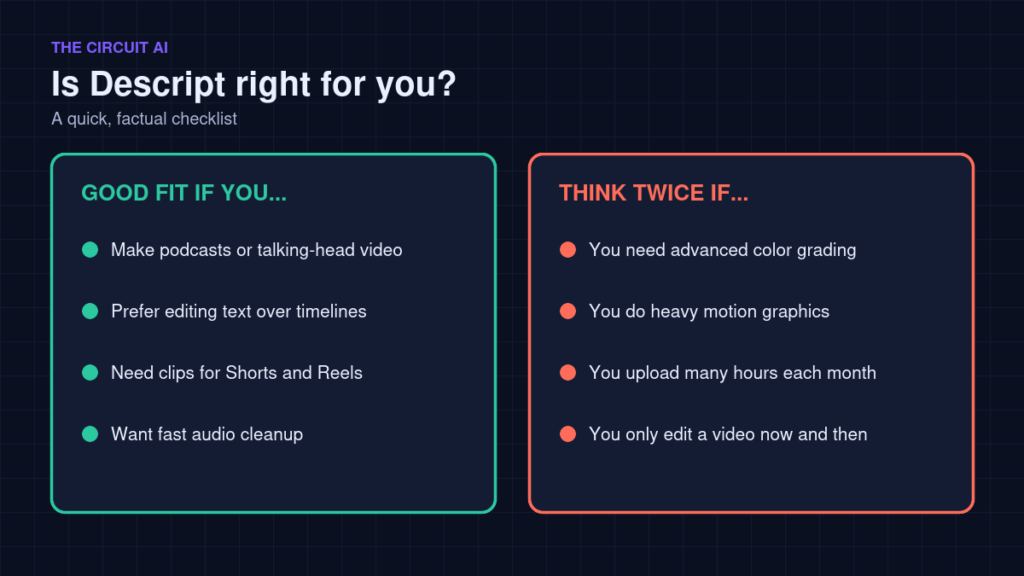
Descript is a strong fit for spoken-word content: podcasts, interviews, tutorials and talking-head videos, especially if you find timeline editing slow. It is less suited to projects that rely on advanced colour grading or complex motion graphics, where a traditional editor still does more. If you upload many hours of raw footage each month, check that the media hours on your plan cover it.
FAQ
Is Descript free?
Yes. The free plan includes 60 minutes of media a month, 100 one-time AI credits and 720p exports. Paid plans remove the watermark and raise limits.
Does Descript remove filler words automatically?
Remove Filler Words is listed on paid plans from Hobbyist up. It finds filler words for you, and you can review them before cutting.
Can Descript export in 4K?
4K export is listed on the Creator and Business plans. Hobbyist exports up to 1080p and Free up to 720p.
Final thoughts
If most of your content is people talking, Descript can make editing feel more like writing. Try the free plan on one real episode or video, note how many media hours you used, and pick a paid plan only once you know your monthly volume.